The Short Answer
For most images, 2x is enough for the web and social media, 4x covers printing and 4K screens, and 8x is only worth it when your source image is tiny. The golden rule of AI upscaling: use the smallest factor that reaches your target size—every extra step of magnification asks the AI to invent more detail that was never in your photo.
PixExtender's Image Upscaler lets you pick anywhere from 2x up to 10x, so this guide will help you choose the right number instead of just maxing out the slider.
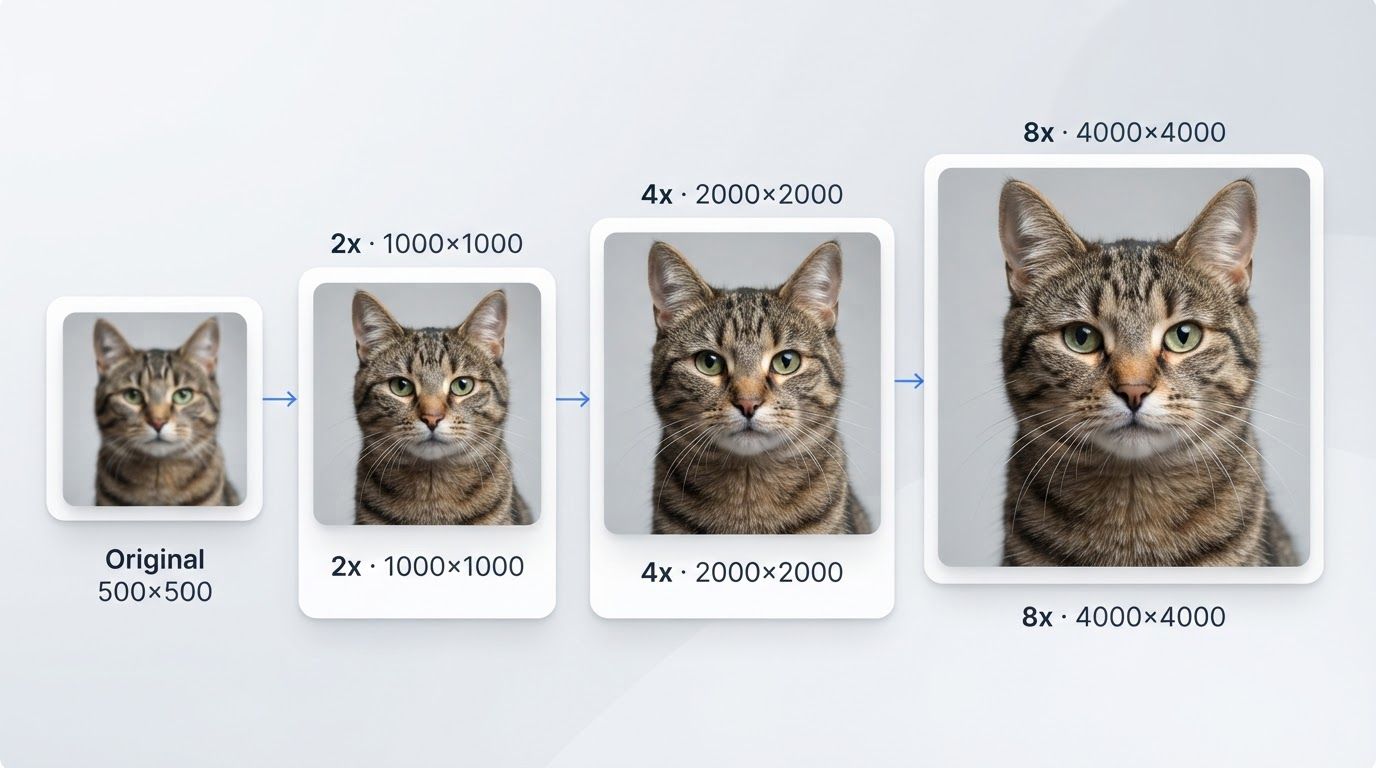
What 2x, 4x, and 8x Actually Mean
The factor refers to linear size—width and height are each multiplied by that number. Total pixel count grows by the factor squared, which is why the jumps are much bigger than they sound:
| Factor | Width × Height | Total pixels | Example: 1000×1000 becomes |
|---|---|---|---|
| 2x | 2× each side | 4× the pixels | 2000×2000 |
| 4x | 4× each side | 16× the pixels | 4000×4000 |
| 8x | 8× each side | 64× the pixels | 8000×8000 |
Two handy anchors to keep in mind:
- A 1080p image (1920×1080) upscaled 2x becomes exactly 4K (3840×2160)—and 4x becomes 8K (7680×4320). If a Full HD photo only needs to fill a 4K monitor, 2x is literally the perfect fit.
- A 512×512 AI-generated image printed at high quality (300 DPI) covers only about 1.7 inches. At 4x (2048×2048) it prints at nearly 7 inches; at 8x (4096×4096), over 13 inches.
That "factor squared" math also explains the downsides of going big: an 8x upscale produces a file with 64 times the pixels, which means much larger files—and much more AI-invented detail.
Match the Factor to the Destination
Since upscaling exists to hit a target size, start from where the image is going.
For Screens and Social Media → Usually 2x
Social platforms don't need nearly as many pixels as people assume:
| Destination | Recommended size |
|---|---|
| Instagram post (4:5) | 1080×1350 |
| Instagram Story / Reels | 1080×1920 |
| Facebook link image | 1200×630 |
| Website hero / banner | rarely over ~2000 px wide |
| Full-screen on a 4K display | 3840×2160 |
If your photo is already 1000+ pixels wide, 2x covers every social platform with room to spare. Oversized images on the web actually hurt you—bigger files mean slower page loads. Save 4x for when you're targeting a 4K wallpaper or display.
For Printing → Usually 4x
Print is where resolution demands jump. At 300 DPI (the standard for sharp photo prints):
| Print size | Pixels needed at 300 DPI |
|---|---|
| 4×6" | 1200×1800 |
| 5×7" | 1500×2100 |
| 8×10" | 2400×3000 |
| A4 | 2480×3508 |
| 16×20" | 4800×6000 |
| 24×36" poster | 7200×10800 |
For large posters viewed from a distance, 150 DPI is perfectly acceptable—halve those pixel requirements (a 24×36" poster then needs about 3600×5400).
A worked example: you have an 800×1000 scan and want an 8×10" print. You need 2400×3000, which is exactly 3x—so choose 4x, the nearest factor that clears the bar, rather than jumping to 8x "to be safe."
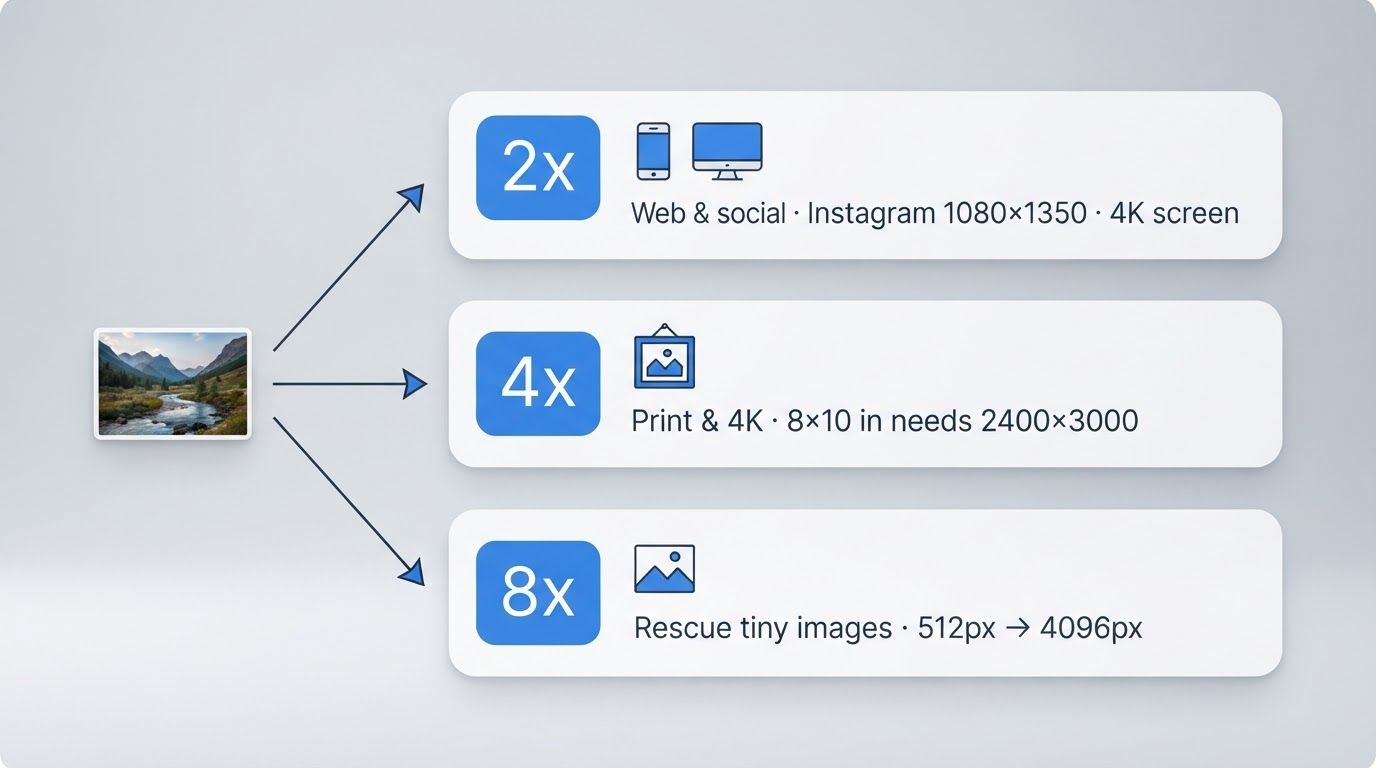
When 8x Actually Makes Sense
8x is a rescue tool, not a default. It earns its place when:
- The source is very small—a 300 px web thumbnail, an old avatar, a tiny crop—and you have no better original
- You need a large print from a small AI-generated image (512×512 → 4096×4096)
- You're extracting a small region of a larger photo and enlarging just that crop
If your image is already 1500+ pixels wide, 8x would push you past 12,000 pixels—beyond what almost any screen or print job can use.
Why Bigger Isn't Always Better
It's tempting to always pick the maximum, but AI upscaling has real limits:
- The AI fills gaps by educated guessing. At 2x, most of what you see is your original photo, gently sharpened. At 8x, 63 out of every 64 pixels are generated—researchers call the invented detail "hallucination," and it grows with the factor.
- Faces and text suffer first. High factors are most likely to produce odd artifacts on the two things viewers scrutinize most closely.
- File sizes balloon. Remember, pixels grow by the factor squared. A 12 MP phone photo at 8x becomes a 768 MP monster that most software struggles to even open.
- The industry agrees. Nearly every major upscaler centers its options on 2x and 4x; several cap out at 6x, and others gate 8x+ behind paid tiers. Tool design itself tells you where the sweet spot is.
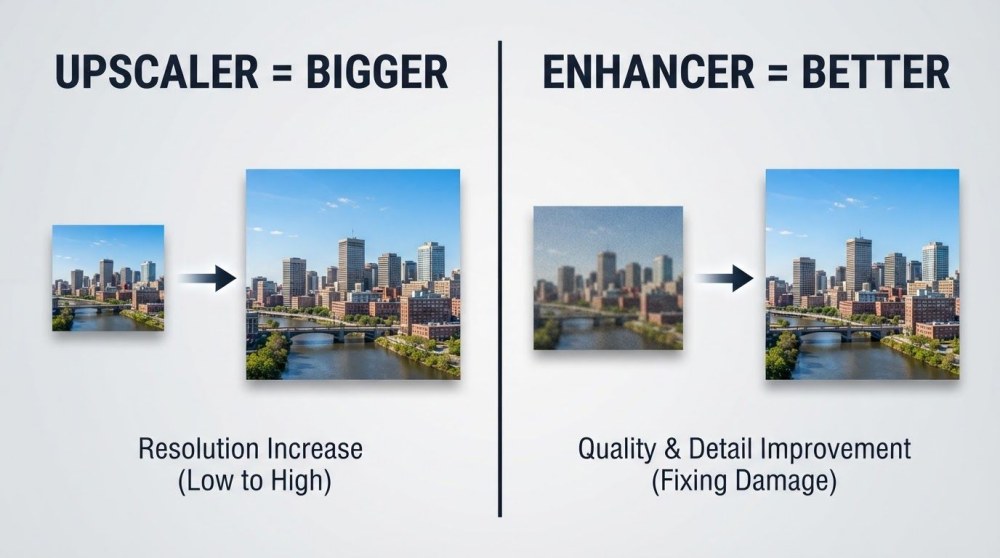
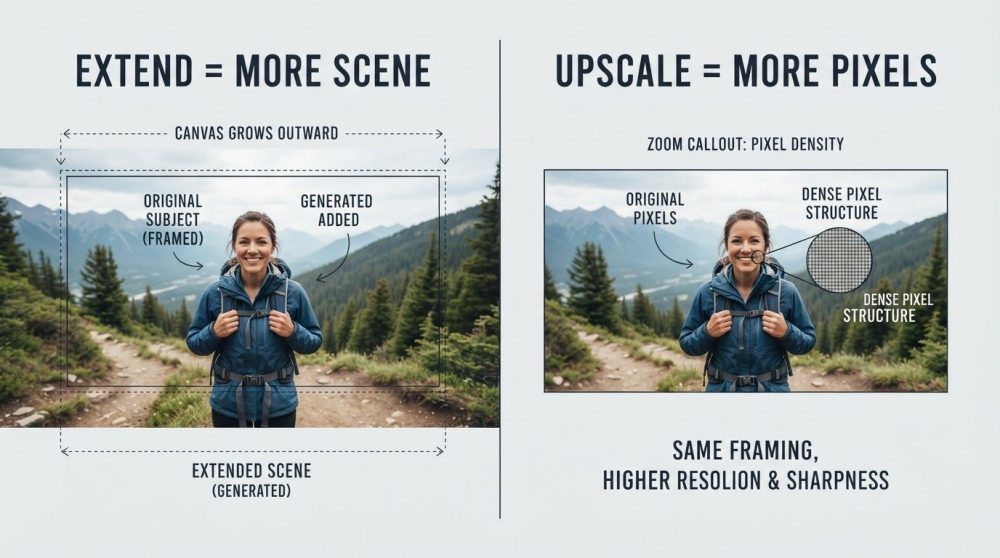
One more expectation to set: upscaling adds resolution to a reasonably clean image—it can't rescue severe blur or heavy compression. If your photo is blurry rather than small, you want an enhancer first; see How to Make a Blurry Photo Clear. And if the confusion is between adding pixels vs adding canvas, that's covered in Image Extender vs Image Upscaler.
How to Upscale at the Right Factor with PixExtender
- Upload your image to PixExtender's Image Upscaler (JPG, PNG, or WEBP).
- Check your target: what size does the destination actually need? Use the tables above.
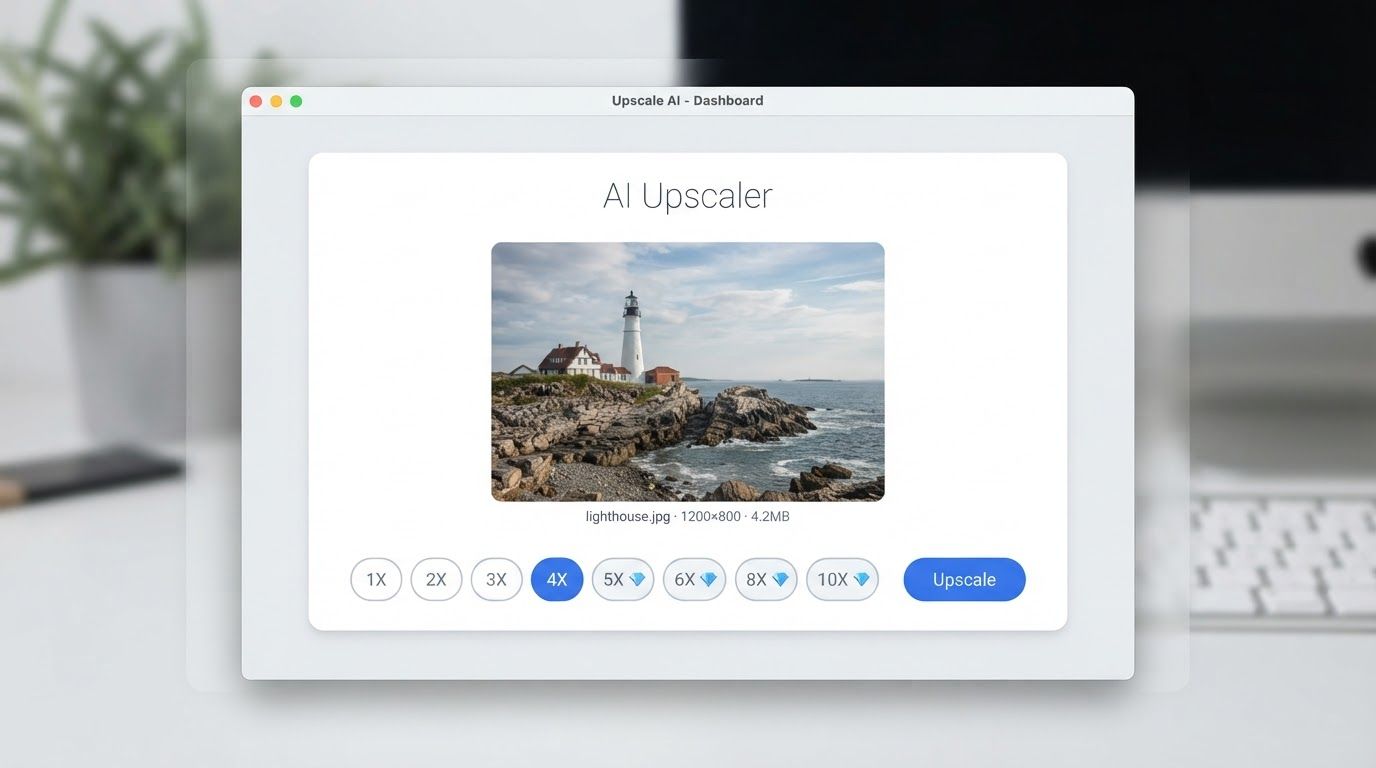
- Pick the smallest factor that clears the bar—PixExtender offers 2x through 10x (factors of 5x and above are available on Creator and Master plans).
- Click Upscale and download. Processing takes seconds.
Frequently Asked Questions
Is 8x upscaling better quality than 4x?
No—"more" isn't "better." A higher factor means the AI generates a larger share of the final image, which increases the chance of unnatural detail. 8x output is bigger than 4x, but if 4x already reaches your target size, it will look more faithful to the original.
What factor do I need to print an 8×10 photo?
An 8×10" print at 300 DPI needs 2400×3000 pixels. Divide that by your current dimensions: a 1200×1500 image needs exactly 2x; a 600×750 image needs 4x. Most phone photos from the last decade already exceed 2400×3000 and need no upscaling at all for this size.
Can I upscale an image twice?
You can, but quality degrades with each pass because the second pass amplifies whatever detail the first pass invented. If you know you need a big jump, one 8x pass beats two rounds of upscaling a previous result.
Does upscaling fix blurry photos?
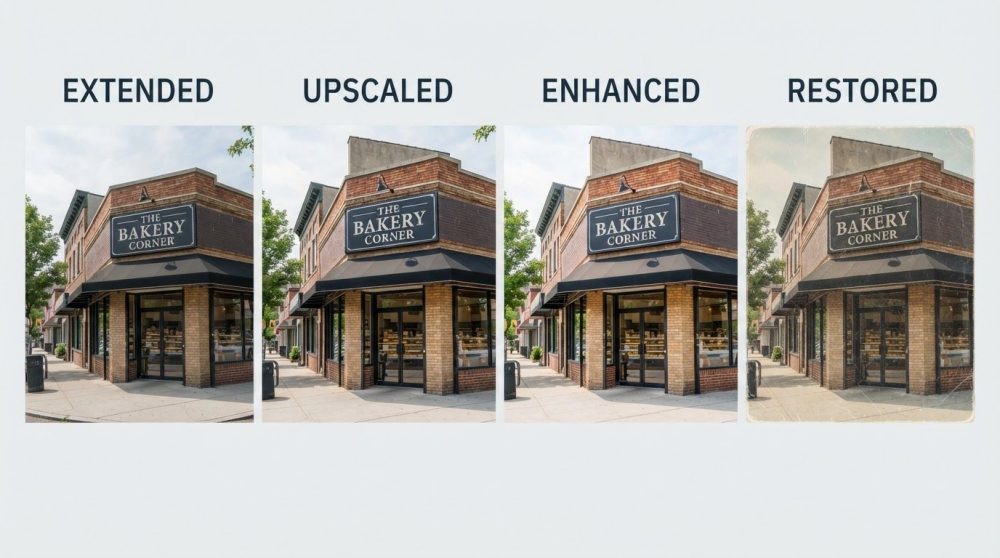
Not by itself. Upscaling adds pixels; blur is a quality problem, not a size problem. Fix the blur with a Photo Enhancer first, then upscale the cleaned-up image if you also need it larger. The full tool breakdown is in Upscale vs Enhance vs Extend vs Restore.
What's the best factor for AI-generated images?
Most AI images start at 512×512 or 1024×1024, which is too small for print and marginal for 4K screens. 4x is the sweet spot: it turns 1024×1024 into a 4096×4096 image that prints beautifully at 13" and fills a 4K display.
Pick Your Number with Confidence
The decision comes down to three steps: know your target size, divide by your current size, and round up to the nearest factor. 2x for screens and social, 4x for print and 4K, 8x for rescuing tiny images—and never more than the destination demands.
Try it free with PixExtender's Image Upscaler → PixExtender.com
Not sure upscaling is even the right tool? Start with the complete guide: Upscale vs Enhance vs Extend vs Restore.