
Free AI Image Upscaler – Upscale Images to 4K Without Losing Quality
Upscale images online with AI and increase resolution by up to 10x. Turn blurry, low-resolution photos into sharp, high-quality pictures in seconds, without losing quality. Try the AI image upscaler free here!
Or drag and drop your image here
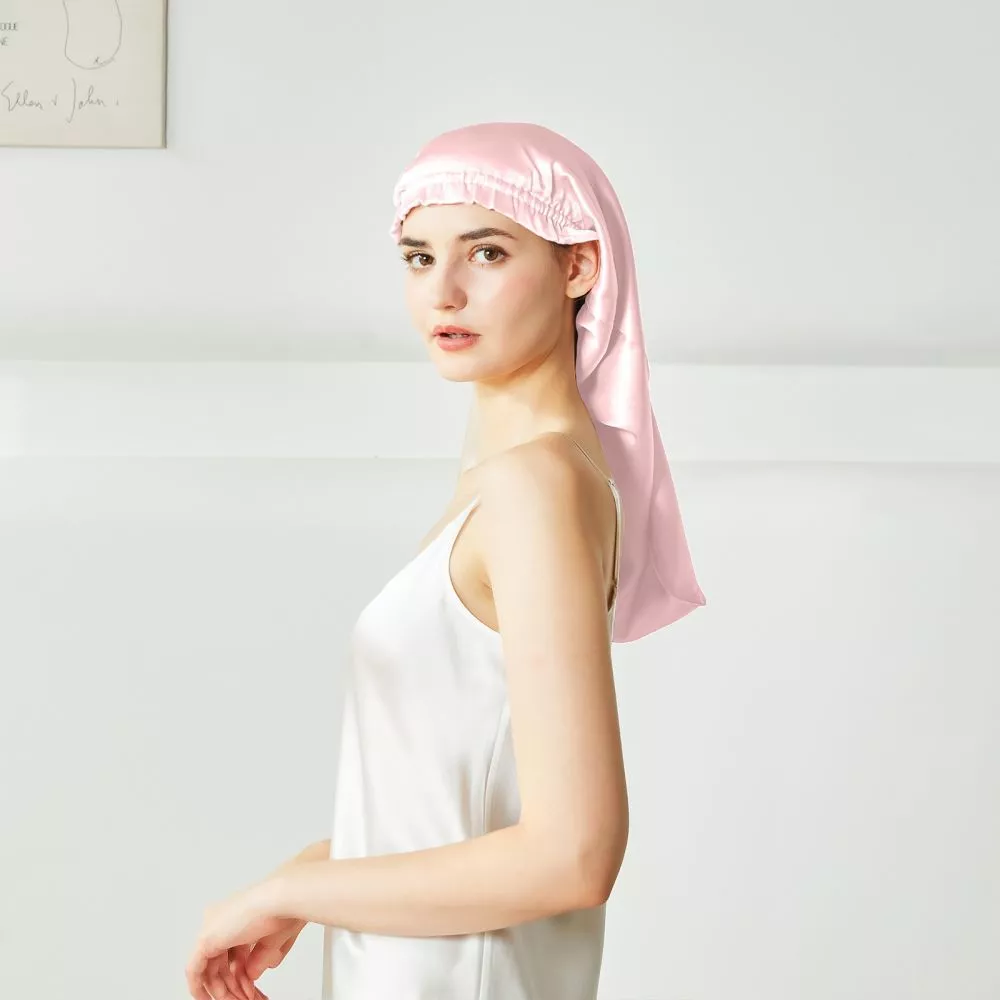
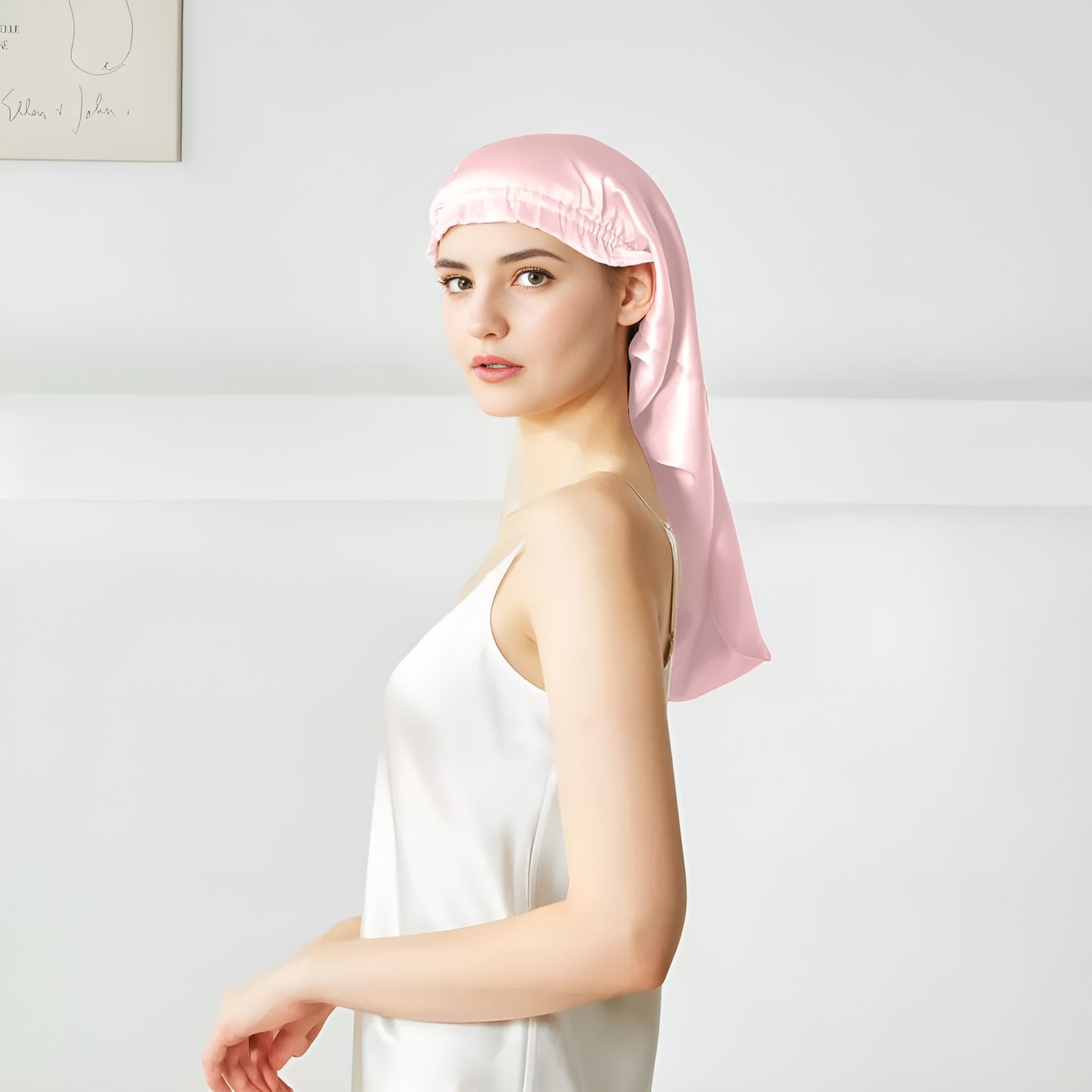
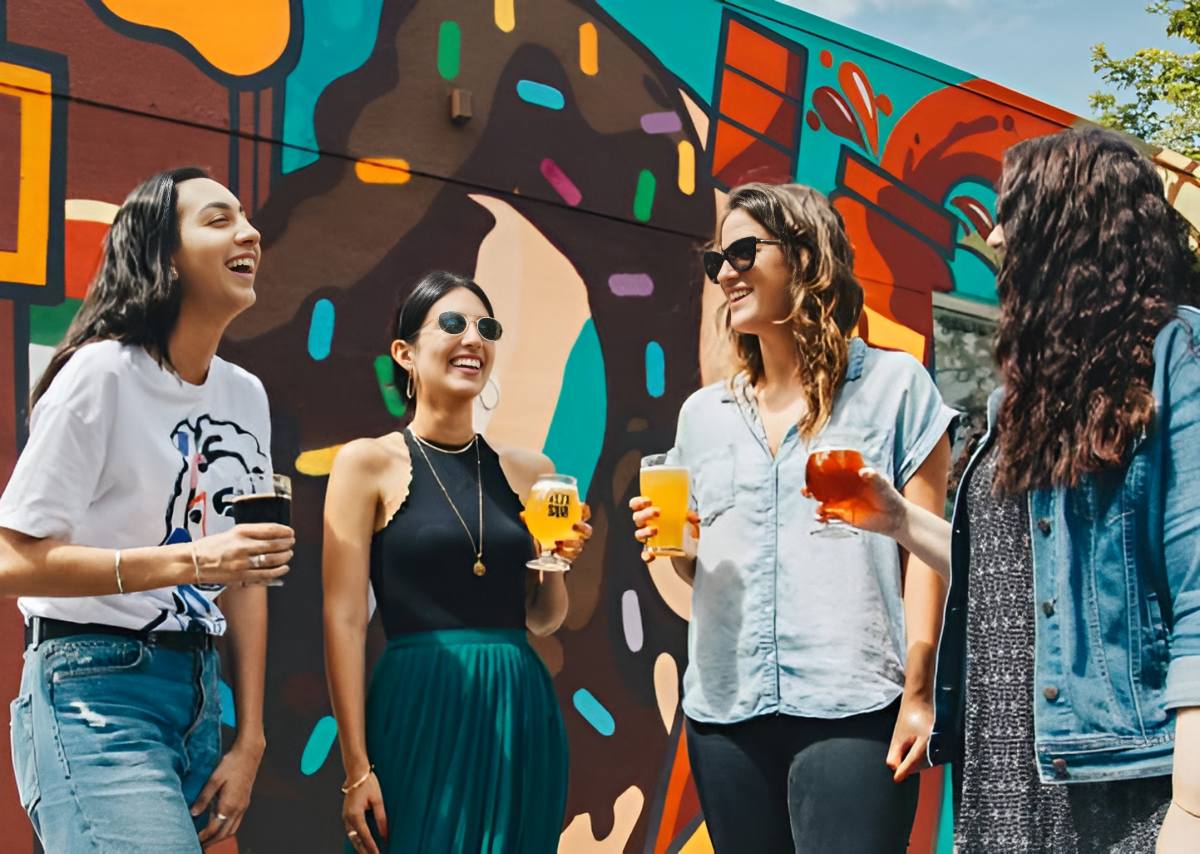
Upscale Images Without Losing Quality Using AI
A traditional resizer simply stretches the pixels you already have, which is why enlarged photos turn out soft, blurry, and pixelated. Our AI image upscaler works differently: it analyzes your photo and reconstructs genuinely new detail, so you can increase image resolution by 2x, 4x, 8x, and up to 10x while keeping edges crisp and textures natural, even at a 100% crop.
Whether you need to enlarge product photos for your store, upscale a small image to print on a poster or canvas, sharpen AI-generated art, or rescue a blurry phone shot, this online image upscaler handles it all in seconds. There is nothing to install and no GPU required, it runs entirely in your browser, and your uploads stay private.
Why Choose Our AI Image Upscaler
Real Detail, Not Just Bigger Pixels
Most upscalers use interpolation, which only averages neighboring pixels and leaves images soft. Our AI image upscaler uses deep learning to rebuild authentic detail, so faces, skin, and textures look natural, never plastic or over-smoothed. The result is a sharper photo, not a blown-up copy of a low-resolution original.
Upscale Up to 10x, to 4K and Beyond
Choose 2x, 4x, 8x, or push all the way to 10x. The AI image upscaler increases image resolution without introducing blur or pixelation, so your enlarged images stay crystal-clear at full size, ready for high-resolution displays, large prints, and zoom-in detail.
Bulk Upscale Multiple Images at Once
Stop upscaling photos one by one. Our bulk image upscaler lets you upload up to 20 images, set a single upscale factor, and process the whole batch together. Perfect for e-commerce catalogs, print-on-demand stores, and photographers who need consistent, high-resolution results across an entire collection.
Online and Effortless, No Install Needed
Skip heavy desktop software like Topaz Gigapixel and Upscayl that need a download, a powerful GPU, and a learning curve. This free online image upscaler runs in your browser with one click. No installation, no plugins, and your images are processed privately and never shared.
What You Can Do With Our AI Image Upscaler
Enlarge product photos for your store, upscale images for large-format printing, sharpen AI art and anime, and bring blurry, low-resolution pictures back to life, all with one AI image upscaler.
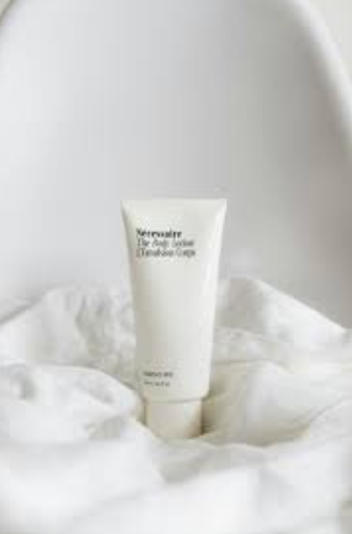
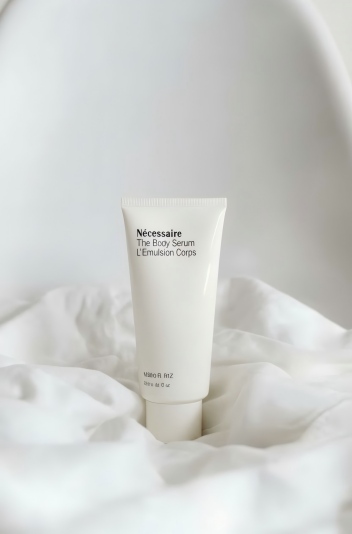
Product Photos for E-commerce & Print-on-Demand
Marketplaces like Amazon, Shopify, and Etsy reject or down-rank low-resolution product images, and shoppers judge a listing by its first photo. Use the AI image upscaler to increase resolution on your product shots and bulk upscale your whole catalog at once, so every image meets platform standards and has enough pixels to print sharply on merch, packaging, and flyers.
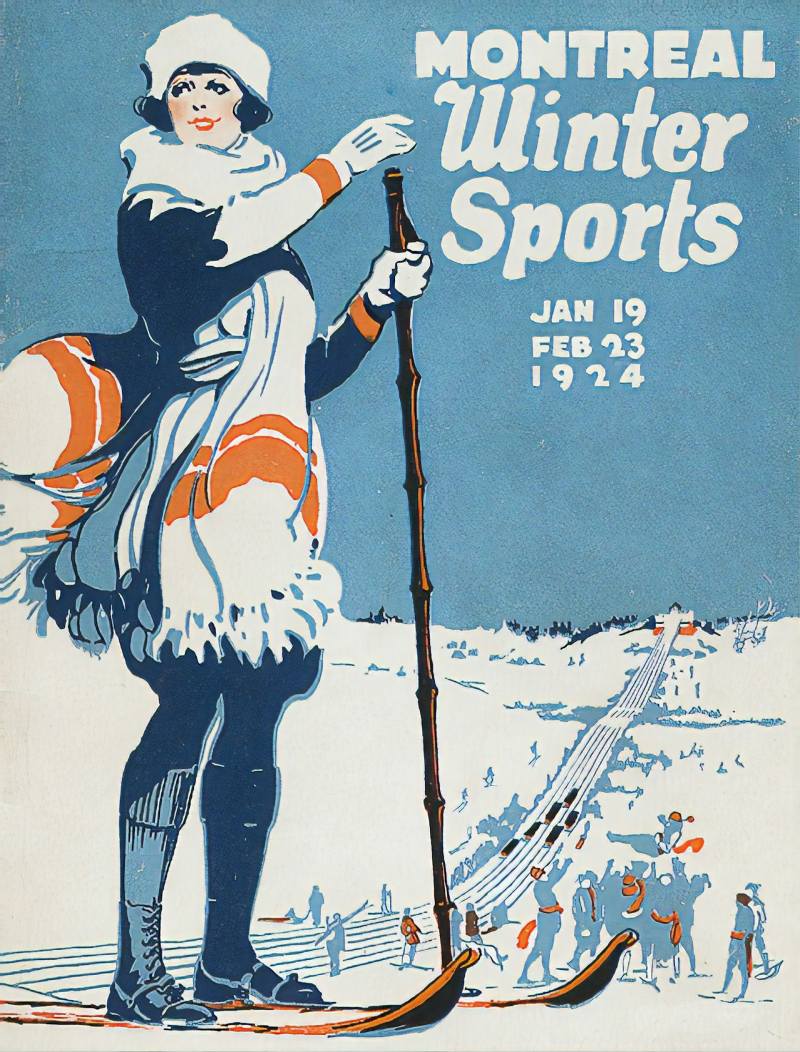
Posters, Canvas & Large-Format Prints
A small web image is only 72 DPI and prints blurry at poster or canvas size. The AI image upscaler adds real pixels rather than just changing the DPI tag, giving you enough resolution to print large at a crisp 300 DPI. Enlarge a favorite photo for a wall print, banner, or framed canvas without the pixelation you get from a basic resizer.
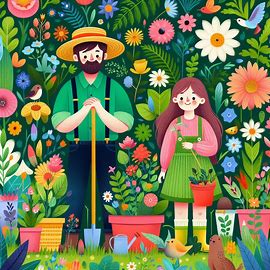
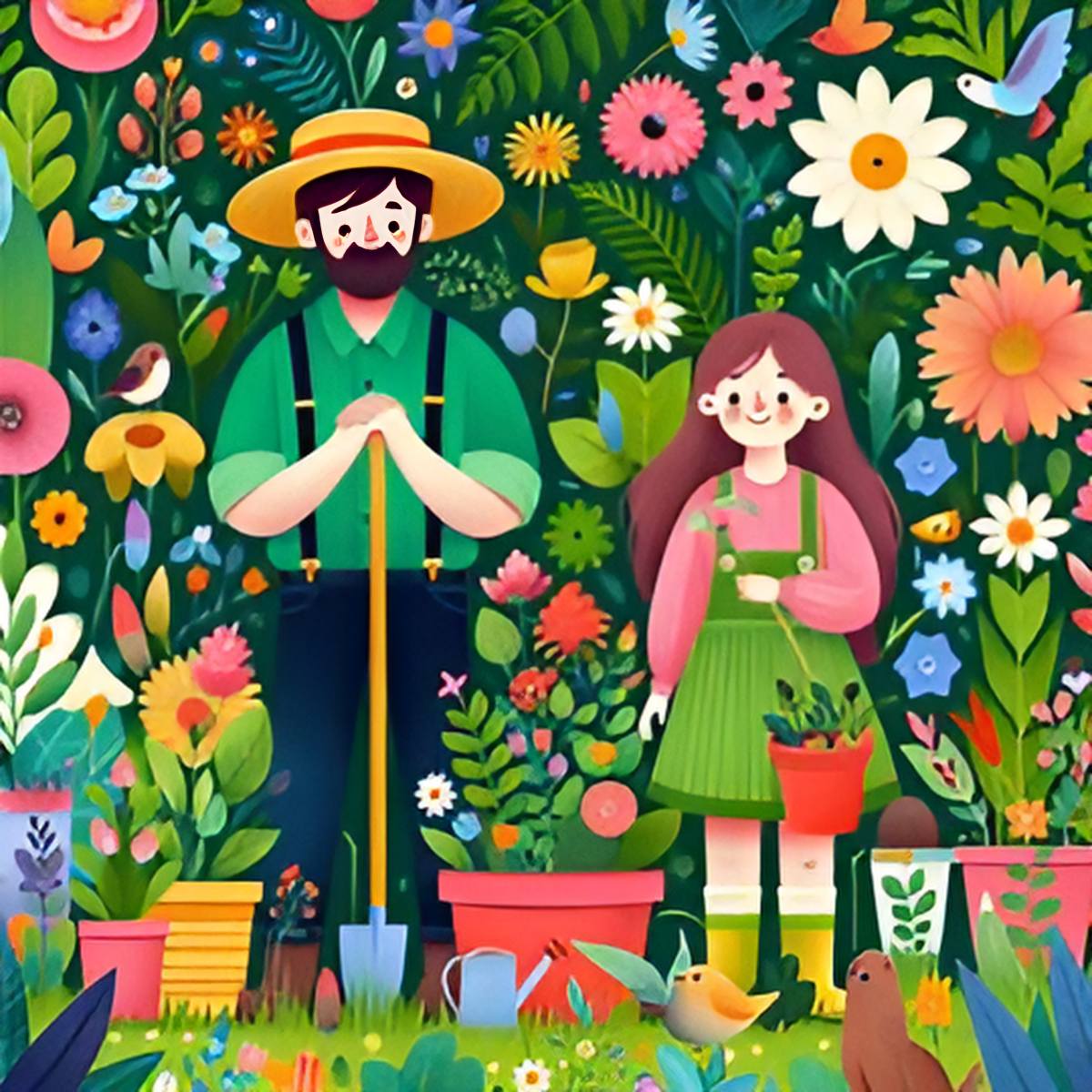
Upscale AI-Generated Art
Image generators like Midjourney, Stable Diffusion, Flux, and DALL-E cap out around 1024 to 2048px, which looks fine on screen but is too small for print, client work, or stock. Run your generations through the AI image upscaler to multiply their resolution, sharpen fine detail, and make them usable wherever you need true high-resolution output.
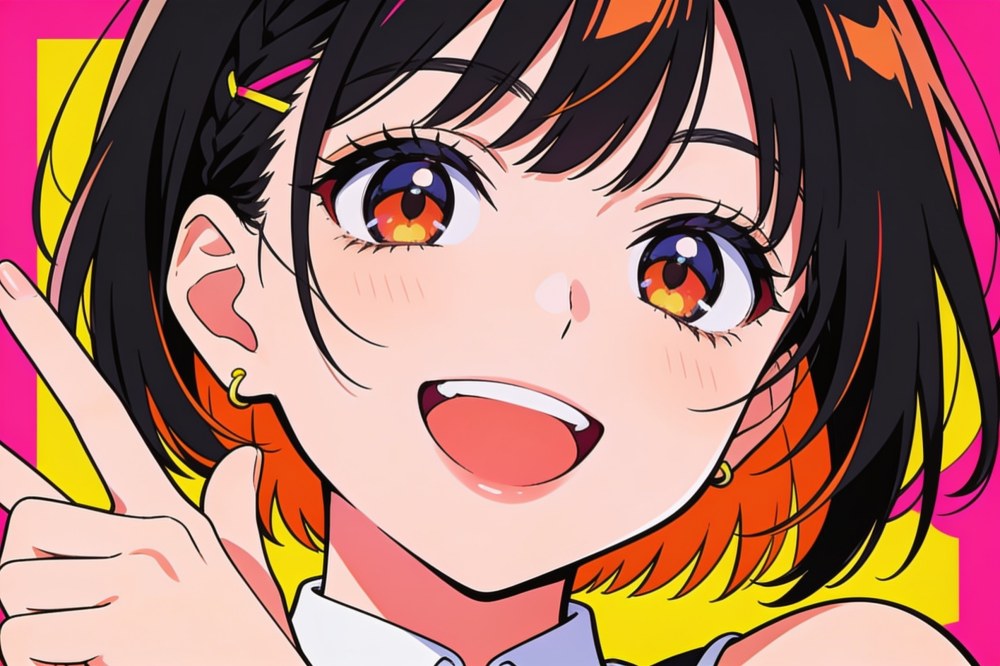
Anime, Illustrations & Game Assets
Line art, manga scans, character art, and game textures often look soft on modern high-resolution screens. As a modern waifu2x alternative, the AI image upscaler sharpens clean lines and flat colors, enlarges small illustrations, and upscales pixel art and sprites while preserving the original style.

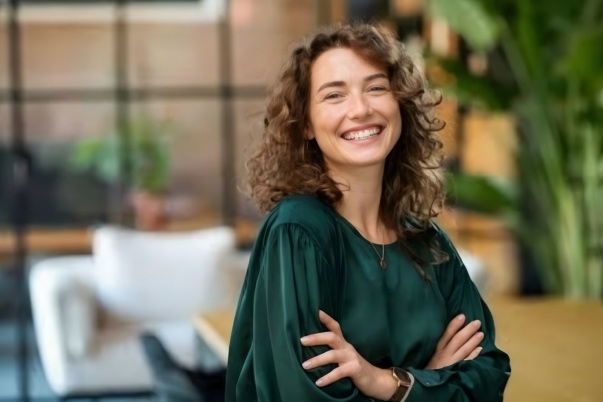
Blurry, Low-Res & Old Photos
Cropped shots, screenshots, compressed social media downloads, and small scanned family photos all lose detail and look soft. The AI image upscaler increases resolution, removes compression artifacts, and brings back sharpness, so those low-quality and old pictures become clear, usable images you can share, frame, or print.
How Our AI Image Upscaler Works
Upload Your Image
Drag and drop your photo or click to upload. Supports JPG, PNG, and WebP up to 10MB. Want to bulk upscale? Select multiple images to process them in one batch.
Choose Your Upscale Factor
Pick how much to enlarge, from 2x and 4x up to 8x and 10x. The AI image upscaler shows you the new output resolution before you start, so you always know exactly how big your image will be.
Download Your Upscaled Image
In seconds, the AI reconstructs detail and increases resolution. Preview the result and download your sharp, high-resolution image, ready for the web, your store, or printing.
Frequently Asked Questions About Our AI Image Upscaler
What is an AI image upscaler and how does it work?
An AI image upscaler is an online tool that increases the resolution of an image while keeping it sharp. Unlike a traditional resizer that stretches existing pixels and causes blur, our AI image upscaler uses deep learning models trained on millions of images to analyze your photo and synthesize new, accurate detail that matches the original texture and lighting. The result is a genuinely higher-resolution image, not just a bigger, blurrier copy.
How do I enlarge an image without losing quality?
Upload your image, choose your upscale factor, and let the AI image upscaler reconstruct the detail as it enlarges. Because the tool adds new pixels intelligently instead of simply zooming into the ones you already have, your enlarged image stays crisp and clear, with no blur or pixelation, even at significant size increases. For the best results, start from the highest-quality original you have.
How much can I upscale an image, 2x, 4x, or 8x?
You can upscale by 2x, 3x, 4x, and all the way up to 10x. Lower upscale factors are available with your free starter credits, while 5x and above unlock on the Creator and Master plans. The tool shows the exact output resolution before you process, so you can dial in precisely the size you need for screen, print, or large-format display.
Can I upscale an image for printing and get 300 DPI?
Yes. Most web images are only 72 DPI, which prints blurry at large sizes. Simply changing the DPI value in an editor does not add any real detail. Our AI image upscaler actually increases the pixel resolution of your image, giving you enough pixels to print sharply at 300 DPI, the standard for high-quality posters, canvas prints, business cards, and merchandise.
Can I upscale multiple images at once with bulk processing?
Yes. Our bulk image upscaler lets you upload up to 20 images, set a single upscale factor, and process them all together instead of one at a time. Batch upscaling is ideal for e-commerce sellers, print-on-demand stores, and photographers who need consistent, high-resolution results across a large set of photos.
What file formats and file sizes does the image upscaler support?
The AI image upscaler supports the most popular image formats for upload: JPG, PNG, and WebP, up to 10MB per file. For lossless quality, PNG is a great choice. Images with transparent backgrounds are not currently supported, so use a solid-background image for the best results.
Can I upscale AI-generated images from Midjourney or Stable Diffusion?
Absolutely. AI generators such as Midjourney, Stable Diffusion, Flux, and DALL-E usually output images around 1024 to 2048px, which is too small for print or professional use. The AI image upscaler multiplies that resolution and sharpens fine detail, turning your generations into true high-resolution images suitable for printing, client work, and stock.
Can I upscale anime art, illustrations, and pixel art?
Yes. As a modern waifu2x alternative, our AI image upscaler works great on anime, manga scans, line art, illustrations, and game assets. It enlarges small artwork, sharpens clean lines and flat colors, and upscales pixel art and sprites while preserving the original style, so your digital art looks crisp on high-resolution screens and in print.
Can the image upscaler make a blurry or low-quality photo clear?
Yes. The AI image upscaler is built to sharpen as it enlarges, so it can clean up blurry, compressed, and low-resolution photos. It removes compression artifacts, restores lost detail, and increases resolution, making it ideal for cropped shots, screenshots, social media downloads, and small scanned photos. Extremely low-quality originals will see more limited results, so start from the best source you have.
Are my uploaded images kept private?
Yes. Your privacy matters. Images you upload to the AI image upscaler are processed securely and are not shared or made public. The tool is built for personal photos, product shots, and professional work, so you can upscale sensitive images with confidence.
Is the AI image upscaler free to use?
Yes. PixExtender is free to use, just sign up for a free account and you will receive starter credits to begin upscaling images right away, with no credit card required. There are no hidden fees to try the tool. Higher upscale factors of 5x and above are available on the Creator and Master plans when you need them.
Ready to Upscale Your Images?
Upload any photo and upscale it online by up to 10x with AI. Get sharper detail, higher resolution, and print-ready results in seconds. Try the free AI image upscaler today!